Wild Blue Skies PC Specs Checker
Compare your hardware to official Steam requirements
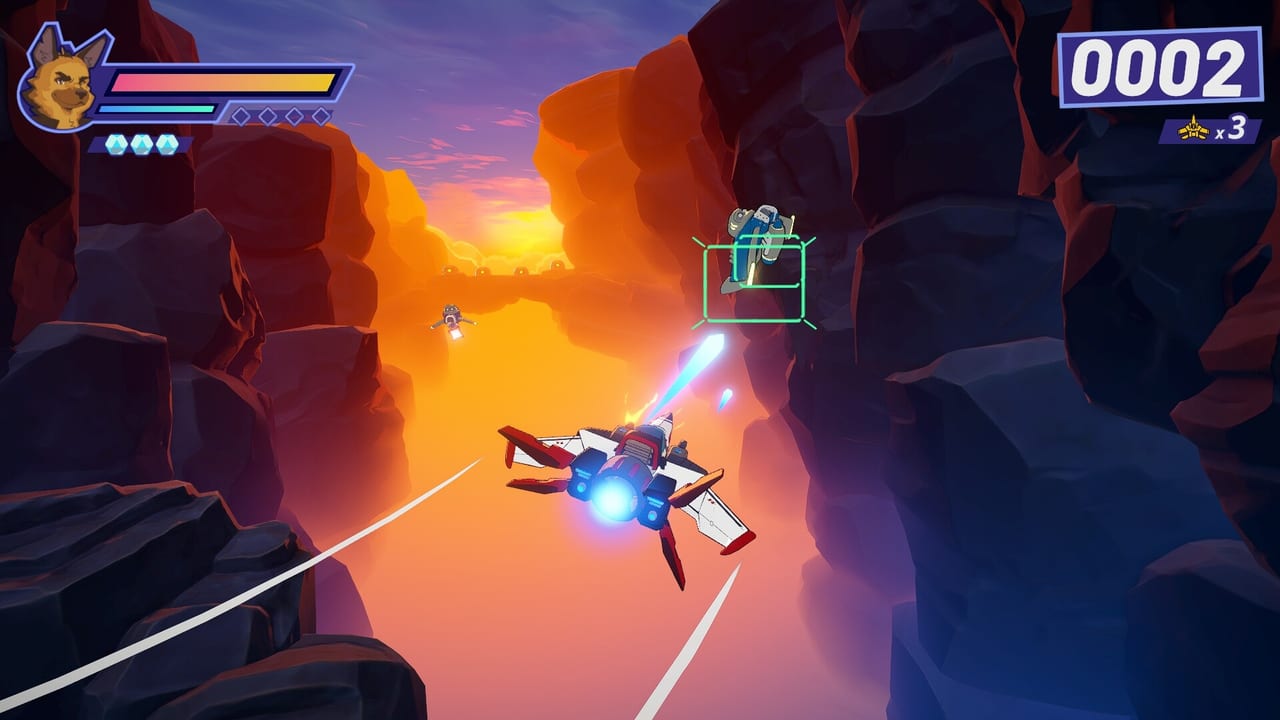
Use this interactive checklist to compare your PC against Wild Blue Skies’ official Steam specifications before buying on August 13, 2026 or grinding medals in the demo. Minimum targets Windows 10 64-bit, an i7-7700K equivalent CPU, 6 GB RAM, a GTX 1080 equivalent GPU, and 2 GB storage; recommended specs bump RAM to 8 GB. Full tables live on System Requirements.
Checkboxes below are browser-session helpers—screenshot results if you need them later.
Official requirement reference
| Component | Minimum | Recommended |
|---|---|---|
| OS | Windows 10 64-bit | Windows 10 64-bit |
| CPU | i7-7700K equivalent | i7-7700K equivalent |
| RAM | 6 GB | 8 GB |
| GPU | GTX 1080 equivalent | GTX 1080 equivalent |
| Storage | 2 GB free | 2 GB free |
Interactive specs checklist
Tick each row after verifying in Windows Settings, Task Manager, or your GPU control panel.
Operating system
- Windows 10 64-bit or newer installed
- Latest cumulative updates applied
- 64-bit OS confirmed (not 32-bit Windows)
Processor
- CPU meets or exceeds i7-7700K equivalent performance
- Background CPU hogs closed before play (browser transcode, etc.)
Memory
- At least 6 GB RAM physically installed (minimum)
- 8 GB RAM or more for recommended headroom
- Few heavy apps open during rival dogfights
Graphics
- Discrete GPU active on laptops (not iGPU-only mode)
- GTX 1080 equivalent or better
- Latest GPU driver installed
- Stable 60 FPS target in Steam demo (Demo and Wishlist)
Storage
- 2 GB free space on target drive
- SSD preferred for faster mission reloads during replay grinding
Interpretation guide
All minimum boxes checked: You should run the game; use demo to confirm FPS stability in cave environments.
Recommended RAM unchecked: Playable but close background apps during Score System practice.
GPU below minimum: Consider PS5 or Xbox Series via Release Platforms instead of PC purchase.
Unstable demo FPS: Lower resolution or effects at launch; medal timing suffers below ~60 FPS.
Benchmark with the demo
Install Steam demo app 1921490 and repeat an early mission three times while monitoring FPS. Compare wingman-heavy scenes versus calm ocean rails. If stutter appears only in dense waves, RAM or GPU upgrades help more than CPU swaps.
Related tools and guides
- Controls Cheatsheet — pad consistency once hardware is stable.
- Ace Tips — timing assumptions with smooth frames.
- Preview Overview — value context at $14.99 if you upgrade hardware.
Equivalent hardware examples
Steam lists “equivalent” tiers rather than exhaustive GPU lists. These commonly qualify if drivers are current:
| Official tier | Example equivalents |
|---|---|
| GTX 1080 | RTX 2060, RX 5700, GTX 1080 Ti |
| i7-7700K CPU | Ryzen 5 3600, i5-9600K, i7-8700 |
Laptop variants with TGP limits may underperform desktop equivalents even when model names match. If your “1080-class” mobile GPU stutters, lower internal resolution before abandoning PC play.
Troubleshooting checklist
If the demo fails despite checked boxes:
- Force discrete GPU in Windows Graphics Settings for the game executable
- Disable HDR temporarily to test frame stability
- Verify game installs on SSD if HDD causes shader hitches
- Roll back overclocking on CPU or GPU
- Compare wired vs wireless controller for input lag only after FPS is stable
Persistent issues on minimum hardware may still clear story mode but struggle with rival dogfight density—consider console play via Release Platforms.
Why specs matter for Wild Blue Skies specifically
On-rails shooters feel easy until frame drops hide telegraph frames. A drop from 60 to 45 FPS during a cave environment ambush can make a fair pattern feel unfair. Medal runners should treat stable performance as part of skill, not a bonus.
Hardware honesty saves medal frustration. Check boxes once, trust the demo, then fly.
Frequently Asked Questions
Quick answers from launch-day stores, reviews, and in-game systems.
What GPU do I need for Wild Blue Skies?
Steam lists GTX 1080 equivalent for both minimum and recommended tiers.
Is 6 GB RAM enough?
It meets minimum specs, but 8 GB recommended is safer for dense combat scenes and background apps.
Can I use this checker on console?
No. This tool compares PC hardware only. Console players should rely on platform-native performance.